

Sweetyspin App
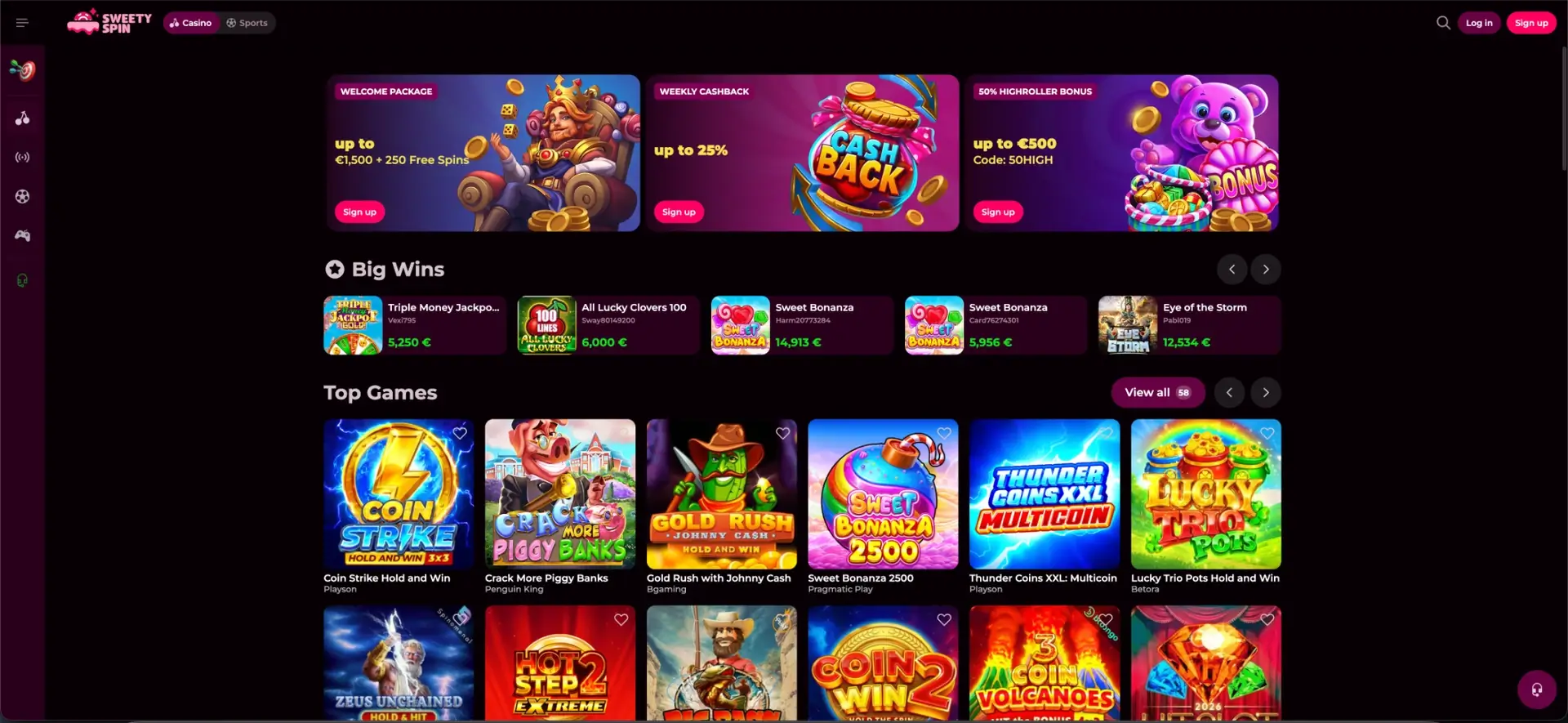
The Sweetyspin app gives eligible players using AUD the full casino on a phone: a downloadable app for Android and iOS installed from our casino's mobile site, plus a fully responsive browser version that needs no download at all. Both carry the complete package - 5,000+ pokies and live games, the AUD cashier for deposits and withdrawals, every bonus and the Wheel of Fortune, and the sportsbook - with nothing cut back compared to desktop. The app has a compact layout and quick navigation, while the mobile browser is the simplest option for players who would rather not install anything. On Android the app downloads directly from the site, so you may need to allow installation from your browser; on iOS you can add the site to your home screen for an app-style shortcut.
Here we explain whether a Sweety spin app exists for each platform, how to download or add it, which features are available on mobile, how it performs, and how deposits, withdrawals and security work on a phone.
Table of contents
| Feature | Mobile details |
|---|---|
| Android app | Direct download from the mobile site |
| iOS access | Home-screen shortcut / app where listed |
| Browser play | Full site in any modern mobile browser - no download |
| Game catalogue | 5,000+ titles - identical to desktop |
| AUD cashier | Full deposits and withdrawals on mobile |
| Bonuses | Welcome package, cashback, Missions and Wheel of Fortune |
| Live casino | Streamed live tables on mobile |
| Sportsbook | Full pre-match and live betting |
| Security | Encrypted connection - same as desktop |
| Updates | Site updates automatically; app updates from the site |
Is there a Sweetyspin app for Android and iOS?
Yes. At Sweetyspin, we provide a mobile app alongside our responsive website, so eligible players using AUD can choose whichever suits them. The Android app is offered as a direct download from our casino's mobile site rather than only through an app store, which is common for gambling apps. On iOS, the most reliable route is to add the site to your home screen, which creates an app-like icon that opens the casino full-screen; where an App Store listing is available, it can be installed from there. Either way, the underlying casino, catalogue and cashier are the same.
You can open the corresponding section from our main navigation to view the current options and conditions.
How to download the Sweetyspin app
Installing the app takes a minute and starts from our casino's mobile site. Because the Android package is downloaded directly, your phone may ask you to confirm the installation - this is standard for apps that are not delivered through a store. Follow the steps for your device below.
Android
On Android the app is installed from a file downloaded on the site, so the steps include a one-time permission:
- Open the Sweetyspin site in your mobile browser.
- Look for the app download prompt or the app link in the menu.
- Download the installation file to your device.
- If prompted, allow installation from your browser in your phone's settings.
- Open the file to install, then launch the app and log in.
iOS
On iPhone and iPad the home-screen route creates an app-style icon that opens the casino full-screen:
- Open the Sweetyspin site in Safari on your iPhone or iPad.
- Tap the Share icon at the bottom of the screen.
- Select Add to Home Screen.
- Confirm the name and tap Add - an app-style icon appears on your home screen.
- Open it to launch the casino full-screen and log in.
Playing in the mobile browser
You do not need to install anything to play on a phone. The Sweetyspin site is fully responsive, so it reflows to fit any screen and delivers the same lobby, cashier and sportsbook in a browser. Adding a home-screen shortcut gives you one-tap access without a full app. The browser route is ideal if you prefer not to download files or want to keep storage free.
Features available on mobile
Nothing is held back on mobile - the app and mobile site carry the entire product. Whether you download the app or play in a browser, you get:
- Full game library: all 5,000+ pokies, live tables and roulette.
- AUD cashier: deposits and withdrawals with the same methods as desktop.
- Bonuses and gamification: the welcome package, cashback, Missions and the Wheel of Fortune.
- Live casino: streamed Evolution and Pragmatic Play Live tables.
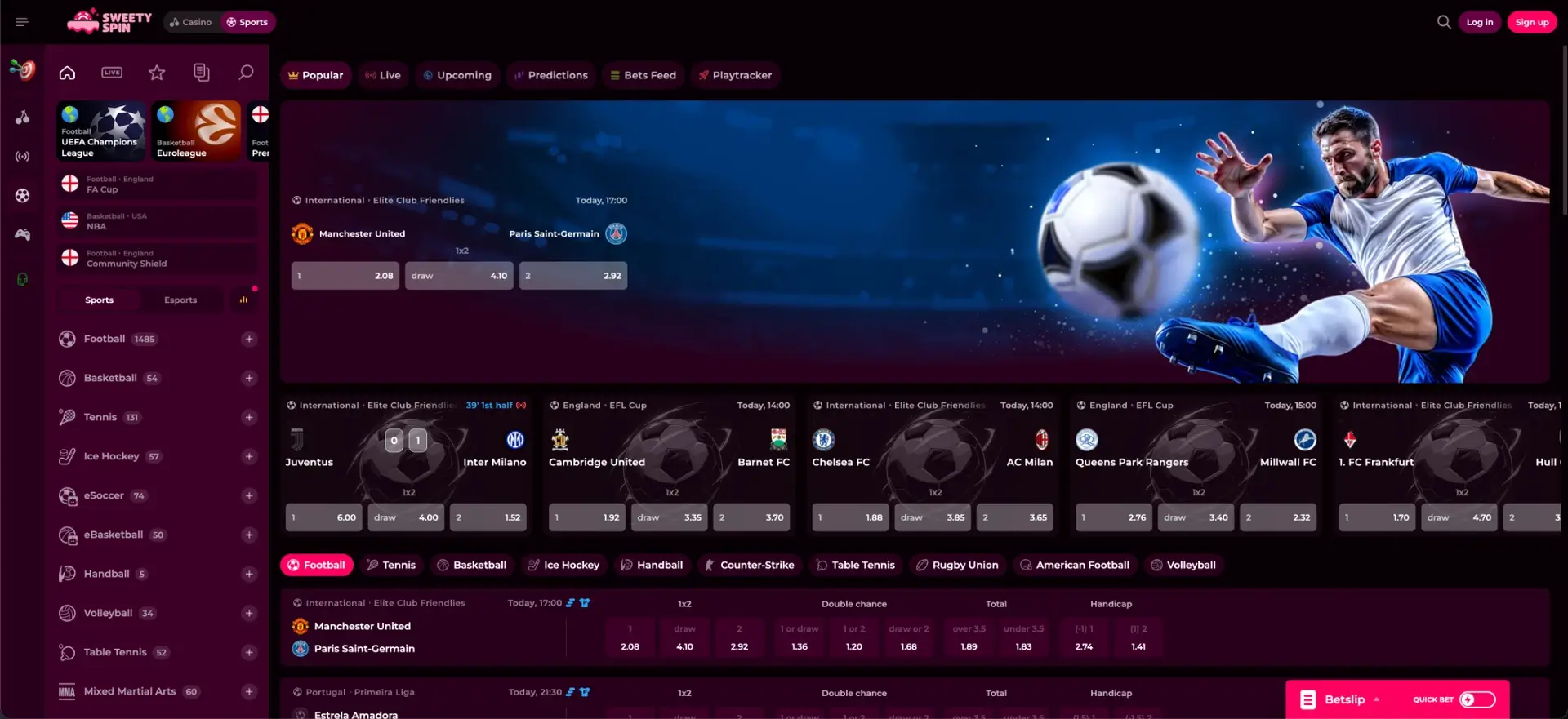
- Sportsbook: pre-match and live betting with the Quick Bet slip.
- Account tools: loyalty rank, limits and verification.
Performance on mobile
The mobile build is designed to stay light so games open quickly and live streams hold up on a phone connection. In everyday use the experience is smooth across common devices and browsers. What to expect:
- Lobby: game tiles load quickly and the sliding menu keeps navigation within thumb reach.
- Pokies: titles open fast and run at a steady frame rate on mid-range phones.
- Live casino: streams stay stable on a solid connection; use the app or a modern browser for the smoothest video.
- Cashier: the AUD deposit and withdrawal screens load without delay.
Mobile payments in AUD
The mobile cashier carries the same methods as desktop, so you can deposit and withdraw in AUD from your phone. Apple Pay and Google Pay are especially convenient on mobile, and withdrawals return to the method used to deposit. The available options:
| Method | Deposits | Withdrawals |
|---|---|---|
| Visa / Mastercard | Yes | Yes |
| Apple Pay | Yes | Via card / bank |
| Google Pay | Yes | Via card / bank |
| Bank transfer | Yes | Yes |
| Bitcoin / Ethereum / Litecoin / Ripple | Yes | Yes (same coin) |
Security on the mobile version
Mobile play uses the same encrypted connection and account protections as desktop, and the same verification rules apply - cashouts are held until KYC is complete. Keeping the app updated from the site, using a device passcode and logging in only on your own phone all add protection. Because the account is shared, any limits or self-exclusion you set apply across app, browser and desktop alike.
App or browser - which to choose
Both routes reach the same casino, so the choice comes down to preference. The app suits players who want a permanent icon and the fastest access, while the browser suits those who prefer not to install anything. In short:
- Choose the app for a home-screen shortcut, quick launches and a native feel.
- Choose the browser to save storage and start playing instantly with no download.
FAQ
Does Sweetyspin have a mobile app?
Yes. Sweetyspin offers an Android app downloaded from its mobile site and an app-style home-screen option on iOS, alongside a fully responsive browser version.
How do I download the Sweetyspin app?
On Android, open the site in your browser, download the app file and allow installation if prompted. On iOS, use Safari's "Add to Home Screen" to create an app-style shortcut.
Is the app free to download?
Yes. The Sweetyspin app and mobile site are free; you only need a funded account to play for real money in AUD.
Are all games available on the app?
Yes. The app and mobile site carry the full 5,000+ game library, the AUD cashier, bonuses, live casino and the sportsbook - the same as desktop.
Can I deposit and withdraw on mobile?
Yes. The mobile cashier supports Visa, Mastercard, Apple Pay, Google Pay, bank transfer and cryptocurrency, with withdrawals returning to the deposit method.
Is the Sweetyspin app safe to install?
The app uses the same encrypted connection and account protections as the site. On Android, download it only from the official Sweetyspin site and allow installation when your phone prompts you.